 To delete an entry from the grid in the Definitions, Emissions, or Utilities tabs, select the Delete icon.
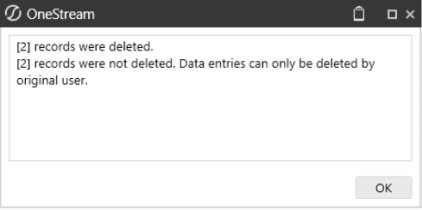
Use the checkboxes to multi-select entries to delete. Preparers can only delete entries that they created. If a preparer multi-selects entries to delete and did not create all entries selected, only the entries they created are deleted. Only Solution Administrators can delete entries they did not create.
NOTE: Entries can only be deleted if the Profile is in the In Process status.

